Podcasts

Podcasts

Term explanation

Definition and meaning

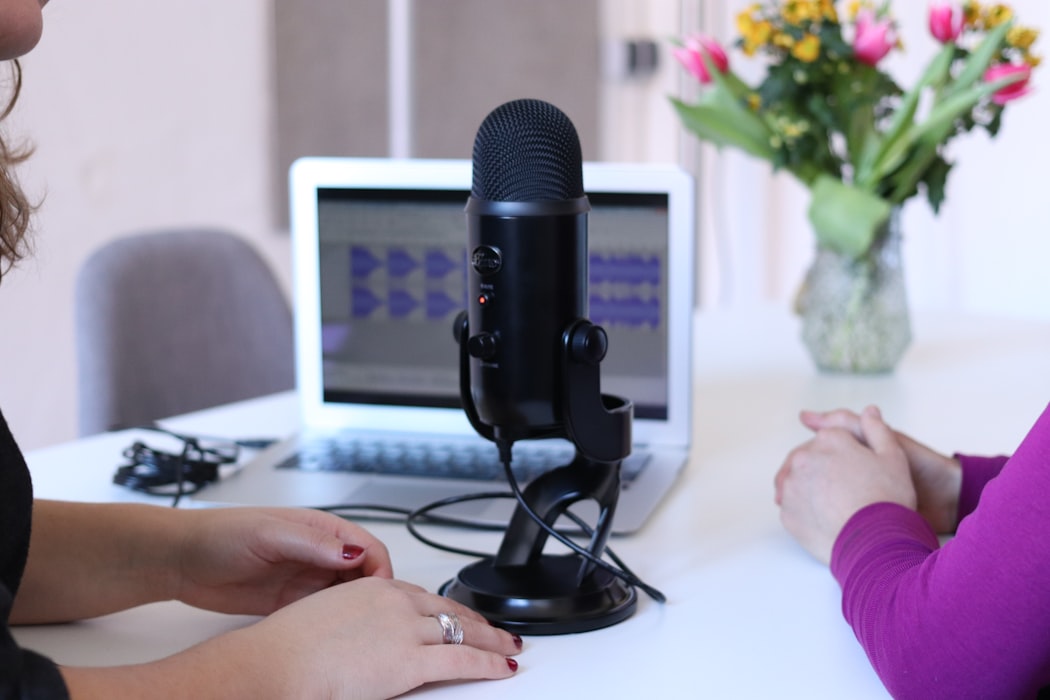
Podcasts are episodic audio (and sometimes video) programs distributed digitally for on-demand listening. As a learning format, podcasts offer an accessible, low-barrier way to engage with expert knowledge, industry trends, and educational content — often during commutes, exercise, or other activities. Educational podcasts are increasingly integrated into blended learning programs as a supplement to formal training materials, and are especially effective for thought leadership and continuous professional development.

SlideLizard CREATOR stores your training slide libraries centrally — so every podcast-based course module is paired with current, brand-approved supporting slides that teams can access directly in PowerPoint.

Learn more →

Other glossary terms

Agent Memory

Agent memory refers to an AI agent's ability to retain and recall information across tasks and sessions. Two types are commonly distinguished: short-term memory, which holds context within a single agent loop interaction, and long-term memory, which persists across sessions and stores facts, preferences, and historical decisions. Memory is what transforms a stateless AI tool into a context-aware agent that produces increasingly relevant results over time — a core requirement for production Agentic AI deployments.

Learn more

Informal Communication

Informal communication is spontaneous, unstructured interaction between people that falls outside official organizational channels. It includes hallway conversations, team chat messages, lunch discussions, and impromptu calls. While informal communication is not planned or documented, it plays a vital role in organizational culture — building relationships, sharing tacit knowledge, and enabling faster problem-solving. In remote and hybrid workplaces, replicating the natural flow of informal communication has become an important design challenge.

Learn more

Orchestrator Agent

An orchestrator agent is a specialized AI agent that coordinates and directs the work of other agents — rather than executing tasks directly itself. In a multi-agent system, the orchestrator receives a high-level goal, uses task decomposition to break it into subtasks, assigns them to specialist agents, monitors progress, and assembles the final output. This pattern enables reliable automation of complex, multi-step enterprise workflows.

Learn more

Classroom Communication System (CCS)

A classroom communication system is a technology platform that enables real-time two-way interaction between instructor and students during a class or presentation. It typically supports live polls, Q&A, quizzes, and feedback tools accessible via student devices. By facilitating ongoing dialogue rather than one-way delivery, classroom communication systems increase participation, surface misunderstandings early, and create a more dynamic learning environment for both in-person and hybrid settings.

Learn more

Top blog articles
More posts

All about notes in PowerPoint Presentations

Easter Quiz Questions and Answers

Microsoft-Partner Logo

Official Partnership

SlideLizard is an official Microsoft-Partner

Find us in the Microsoft-Partner network