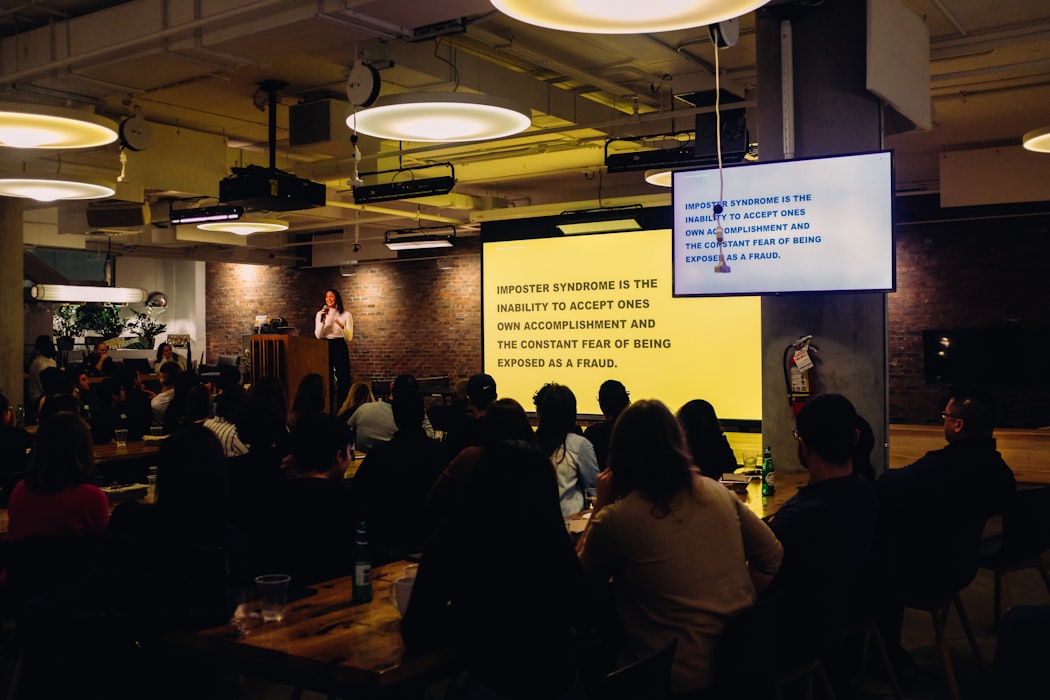
Co-located Audience
Co-located Audience means that the speaker talks to the audience in person. It is used verbal and non-verbal methods to communicate a message. The speaker makes gestures with their hands, changes their face expression and shows images.
Learn more
Learning on Demand
Learning on demand is an approach in which learners access educational content whenever they choose, rather than following a fixed schedule. Content is typically available as pre-recorded videos, e-courses, or interactive modules accessible 24/7. This format suits self-directed learners and organizations that need training available across different time zones. It contrasts with synchronous learning, where all participants engage at the same time.
Learn more
Community Events
Community events bring together groups of people around a shared interest, cause, or location — such as neighborhood gatherings, club meetups, open-source contributor conferences, or industry user groups. Unlike corporate events, community events are often grassroots, volunteer-driven, and focused on connection rather than commercial objectives. They play an important role in building belonging, sharing knowledge, and sustaining networks of people with common goals or values.
Learn more
Valedictory Speech
A valedictory speech is given to say goodbye, most commonly at graduation ceremonies. It is typically delivered by the student with the highest academic standing and serves as an inspirational send-off into adult or professional life. A strong valedictory speech reflects on shared experiences, acknowledges challenges overcome, and offers encouragement and perspective to the graduating class as they move forward.
Learn more