Agentic AI
Agentic AI refers to artificial intelligence systems that act autonomously to achieve multi-step goals — without requiring a human to trigger each action individually. Unlike traditional AI that responds to single prompts, agentic AI plans, decides, and executes sequences of tasks on its own, often integrating with external tools and data sources. In enterprise settings, agentic AI is increasingly used to automate complex workflows such as reporting, content creation, and communication.
Learn more
Virtual Reality
In a learning context, virtual reality (VR) creates immersive, simulated environments in which learners can practice skills, explore scenarios, or experience situations that would be difficult, expensive, or dangerous to replicate in real life. VR training is used in industries such as healthcare, aviation, manufacturing, and emergency services. By placing learners inside a realistic environment, VR significantly increases engagement, retention, and the transfer of skills to real-world performance.
Learn more
Break-out-Room
In live online training, it is sometimes useful to divide the students into small groups for certain exercises, as it would be impossible to have conversations at the same time. Break-out-rooms are used so that people can talk to each other without disturbing the others. When the exercise is over, they are sent back to the main room.
Learn more
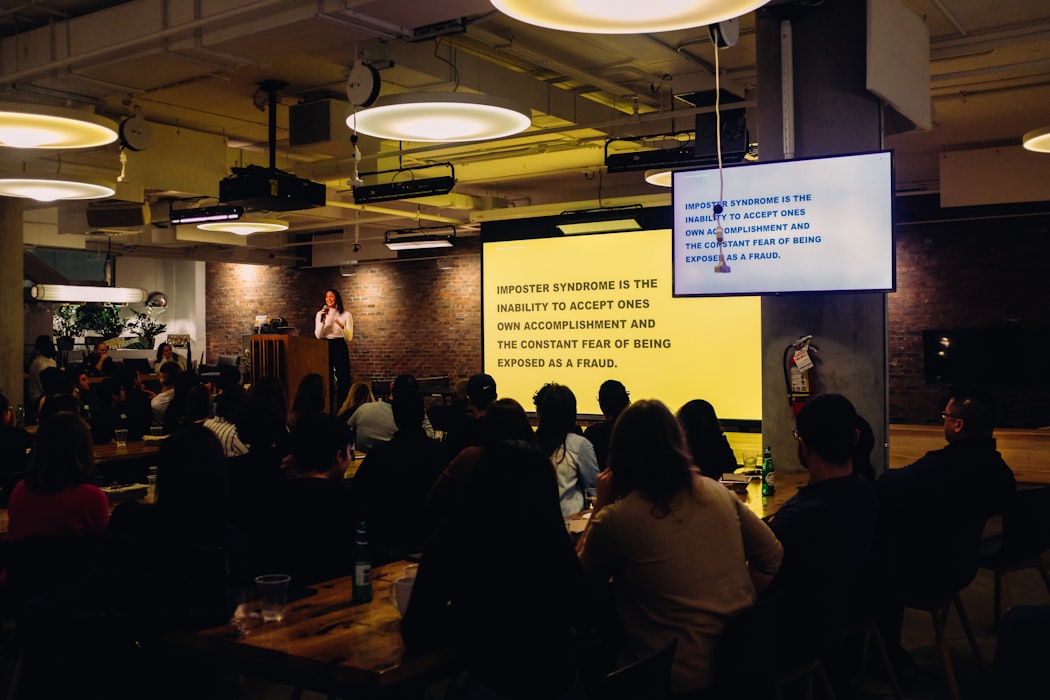
Concept Presentation
A concept presentation introduces a new idea, product concept, or strategic direction to an audience for evaluation or feedback. It is typically used in early stages of a project — before a full proposal is developed — to test reactions, align stakeholders, or secure initial approval. A good concept presentation clearly communicates the core idea, explains the problem it solves, and outlines the key assumptions, without yet committing to a full implementation plan.
Learn more