Classroom Communication System (CCS)

Classroom Communication System (CCS)

Term explanation

Definition and meaning

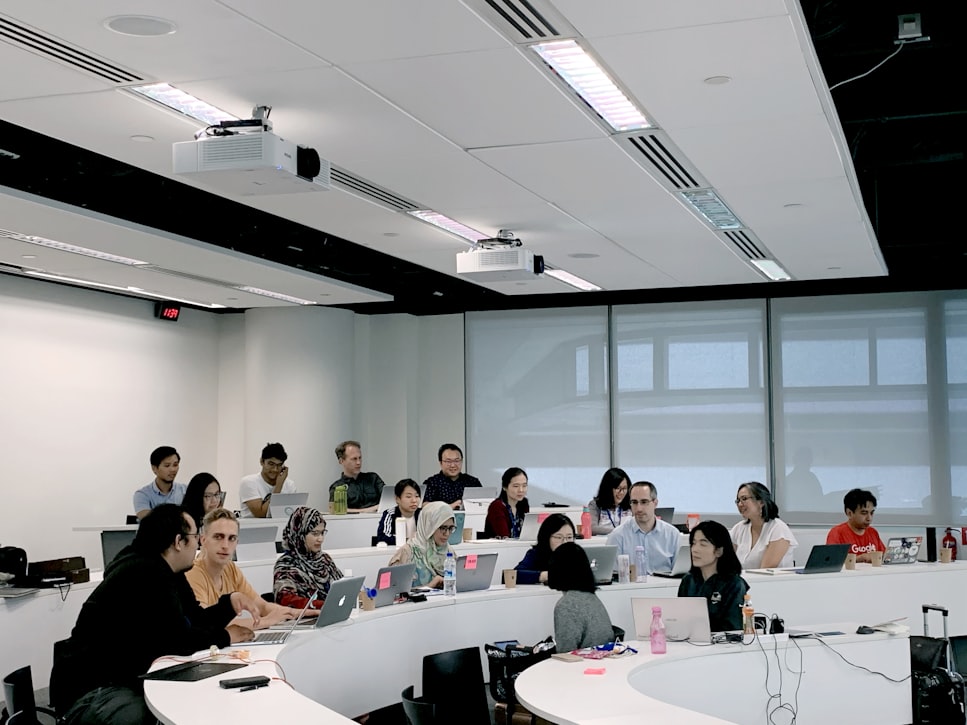
A classroom communication system is a technology platform that enables real-time two-way interaction between instructor and students during a class or presentation. It typically supports live polls, Q&A, quizzes, and feedback tools accessible via student devices. By facilitating ongoing dialogue rather than one-way delivery, classroom communication systems increase participation, surface misunderstandings early, and create a more dynamic learning environment for both in-person and hybrid settings.

SlideLizard LIVE is a classroom communication system built into PowerPoint: run polls, quizzes, anonymous Q&A, and live feedback without switching tools — your students respond on their own smartphones.

Learn more →

Other glossary terms

Data-Driven Presentation

A data-driven presentation is a slide deck in which the content — charts, KPIs, tables, and narrative text — is directly derived from live or structured data sources rather than manually entered. Rather than copying figures from a dashboard into PowerPoint, data-driven presentations pull information automatically from connected systems such as CRM, ERP, or BI tools. The result is a living presentation that always reflects current data — and is the foundation of Agentic Slides architecture.

Learn more

Vocal distractions

Vocal distractions are habits or patterns in a speaker's voice that draw attention away from the content of a message. These include filler words like 'um' and 'uh', monotone delivery, excessive speed or slowness, a rising intonation at the end of statements (upspeak), and throat-clearing. Vocal distractions reduce the impact and perceived professionalism of a presentation. They can typically be addressed through targeted public speaking practice, recording and self-review, and professional coaching.

Learn more

Prompt-to-Deck

Prompt-to-deck describes the process of generating a complete presentation from a short natural language instruction. The user provides a prompt — a topic, goal, or brief description — and a generative AI system produces a full slide deck including structure, content, and layout. Advanced prompt-to-deck systems go beyond simple templates: they pull in live data, apply brand guidelines automatically, and produce results comparable to a full AI presentation maker. The term is used interchangeably with "text-to-presentation."

Learn more

Blended Learning

Blended learning combines traditional face-to-face instruction with digital and online learning activities. A typical blended model might include in-person workshops supported by e-learning modules, video content, or discussion boards that learners engage with before or after class. Blended learning gives instructors flexibility to use classroom time for higher-order activities while delegating knowledge transfer to self-paced digital content, improving both efficiency and learner outcomes.

Learn more

Top blog articles
More posts

How to embed fonts in PowerPoint (2010, 2013, 2016, 2019)

SlideLizard 1.5 Update

Microsoft-Partner Logo

Official Partnership

SlideLizard is an official Microsoft-Partner

Find us in the Microsoft-Partner network