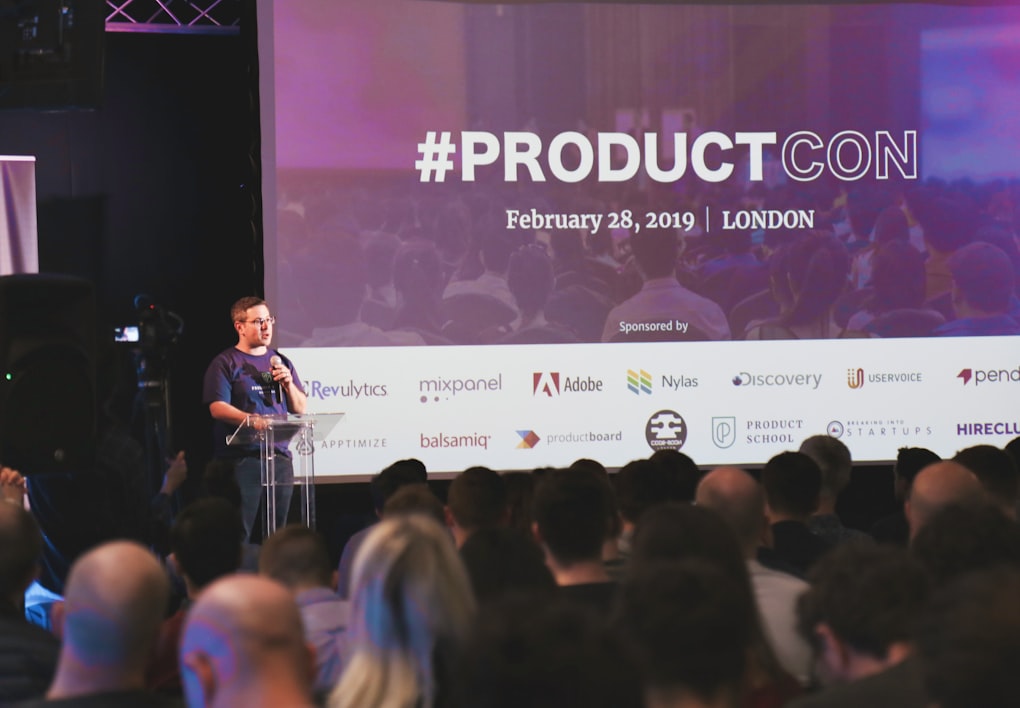
Interview
In a communication context, an interview is a structured conversation in which one or more people ask questions to gather information, evaluate a candidate, or explore a topic in depth. Interviews can be formal or informal and occur across many settings — job recruitment, journalism, research, and broadcast media. Effective interviewers prepare focused questions, actively listen, and manage time to cover key areas. Interviewees benefit from clear, structured answers that directly address what is being asked.
Learn more
Glossophobia
Glossophobia is the fear of public speaking. It is one of the most commonly reported phobias, affecting an estimated 75% of people to some degree. Symptoms range from mild anxiety and nervousness to severe physical reactions such as sweating, shaking, and a racing heart. Glossophobia can significantly limit a person's professional and social opportunities. It is generally treatable through practice, exposure therapy, coaching, and structured presentation skills training.
Learn more
Recall Questions
Recall questions ask participants to retrieve and state information they have previously learned or been told. They test memory and knowledge retention rather than understanding or analysis. In training sessions and educational presentations, recall questions at the end of a segment can reinforce key points and check how much the audience has absorbed. While they don't assess deeper comprehension, they are an efficient tool for checking baseline knowledge and reinforcing core facts.
Learn more
Vertical Communication
Vertical communication means that information is passed from one person to the next according to a linear system based on their titles. This type of communication is used when a company follows a hierarchical structure or for important, sensitive information.
Learn more