Blended Learning
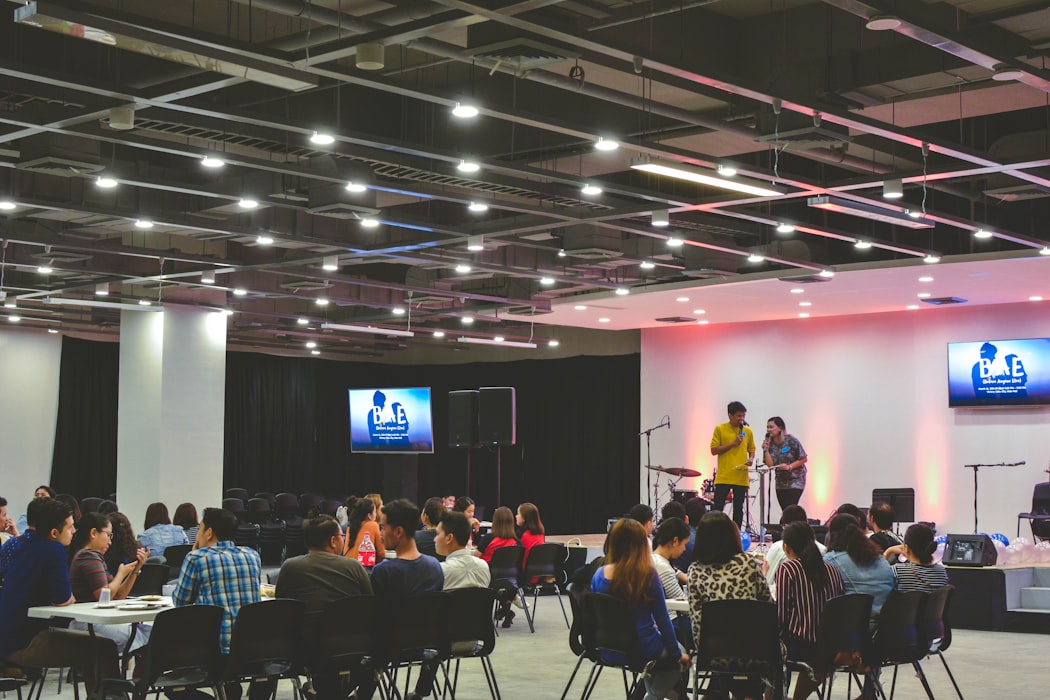
Blended learning combines traditional face-to-face instruction with digital and online learning activities. A typical blended model might include in-person workshops supported by e-learning modules, video content, or discussion boards that learners engage with before or after class. Blended learning gives instructors flexibility to use classroom time for higher-order activities while delegating knowledge transfer to self-paced digital content, improving both efficiency and learner outcomes.
Learn more
Vertical Communication
Vertical communication means that information is passed from one person to the next according to a linear system based on their titles. This type of communication is used when a company follows a hierarchical structure or for important, sensitive information.
Learn more
Master view
Master View in PowerPoint allows presenters to edit the Slide Master — a top-level template that controls the default fonts, colors, backgrounds, and layouts applied across all slides in a presentation. Changes made in Master View propagate automatically to every slide that uses that layout, making it the most efficient way to apply brand guidelines and maintain visual consistency across large presentations. Master View is essential for template creation and company-wide design standardization.
Learn more
Webinar
A webinar is a live, interactive online presentation or seminar broadcast over the internet. Participants join from any location using a web browser or app and can interact with the presenter through chat, polls, or Q&A features. Webinars are widely used for training sessions, product demonstrations, thought leadership events, and virtual conferences. Unlike recorded e-learning, webinars create a sense of real-time connection between presenter and audience.
Learn more