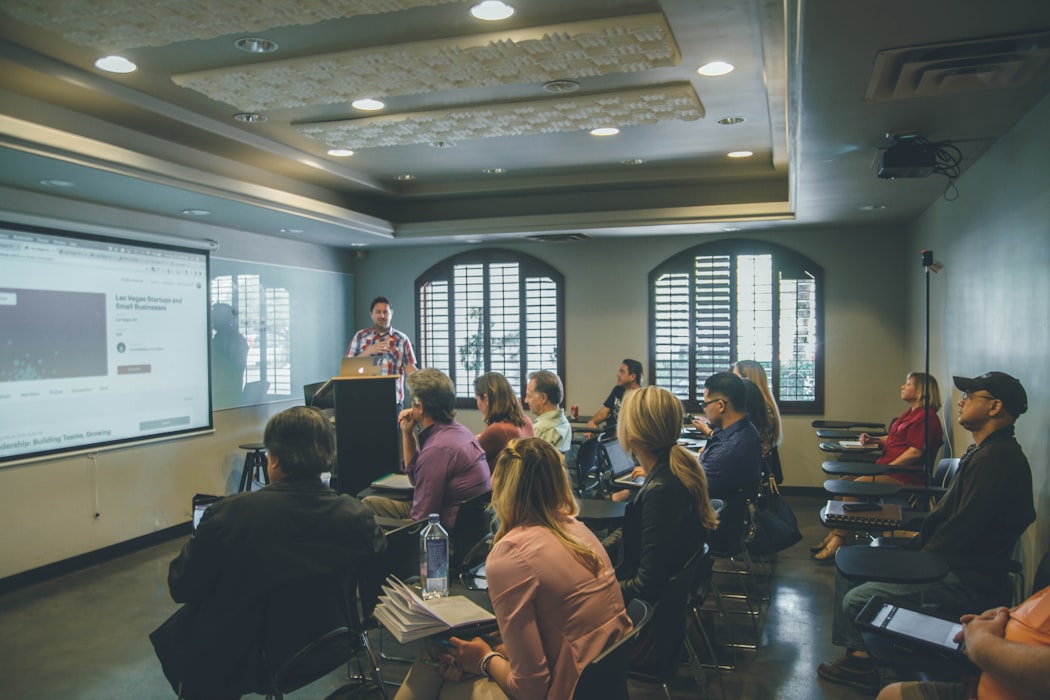
Multimedia Presentation
A multimedia presentation combines multiple types of content — such as text, images, audio, video, animations, and interactive elements — into a single cohesive slide deck or digital experience. By engaging more senses, multimedia presentations improve audience attention and retention compared to text-heavy slides. They are used in marketing, training, education, and corporate communications. Modern presentation tools make it straightforward to integrate diverse media types, though content balance and loading performance remain important considerations.
Learn more
Agentic AI
Agentic AI refers to artificial intelligence systems that act autonomously to achieve multi-step goals — without requiring a human to trigger each action individually. Unlike traditional AI that responds to single prompts, agentic AI plans, decides, and executes sequences of tasks on its own, often integrating with external tools and data sources. In enterprise settings, agentic AI is increasingly used to automate complex workflows such as reporting, content creation, and communication. In the domain of presentations, this approach is realised through the Large Presentation Model (LPM) — an agentic AI system that orchestrates the entire presentation cycle in an enterprise context.
Learn more
AI Agent
An AI agent is a software system that perceives its environment, reasons over context, and autonomously takes actions to achieve a defined goal — without requiring a human to trigger each individual step. Unlike a chatbot that responds to a single prompt, an AI agent plans, executes multi-step tasks, uses tools, and adapts based on the results it observes. AI agents can operate independently or as part of larger multi-agent systems, and are increasingly embedded in enterprise software to automate complex workflows across departments.
Learn more
Vocalized pause
A vocalized pause is a filler sound — such as 'um', 'uh', 'er', or 'like' — used involuntarily by speakers when they pause to think or gather their thoughts. While occasional pauses are natural, frequent vocalized pauses can undermine a speaker's credibility, reduce clarity, and make a presentation feel less polished. Reducing vocalized pauses is a common goal in public speaking coaching, and is typically addressed through practice, conscious awareness, and the deliberate use of silent pauses instead.
Learn more